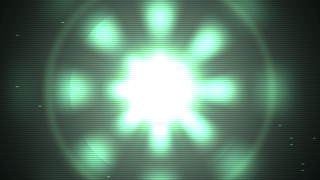
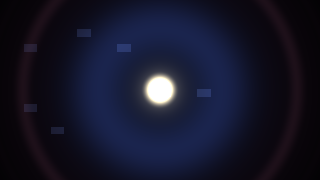
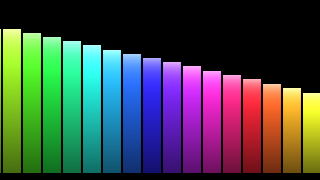
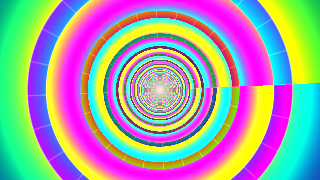
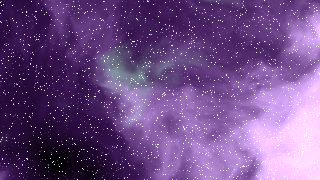
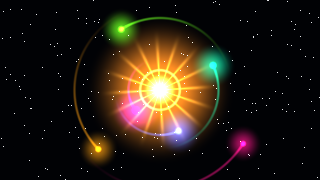
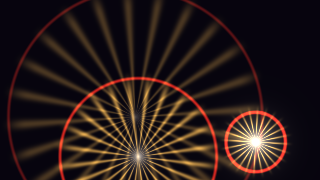
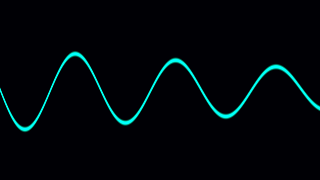
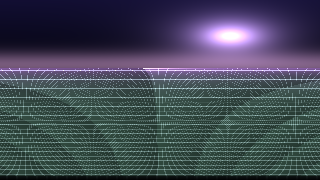
Every track, made visible. Turn any audio playing on your Mac into living, beat-synced visuals.
A small borderless window that stays on top while you work. Drag anywhere to move, corner-drag to resize. Puts Phosphor in the corner of your screen like a tiny dashboard.
Edge-to-edge visuals on your entire display. Put on an album, hit ⌘F, lean back. Press Esc to return to float.
Phosphor becomes your desktop — animated behind your icons and windows. Your whole screen breathes with the music.
Apple Music, Spotify, Safari, YouTube — any audio your Mac plays, Phosphor visualizes via the Core Audio Process Tap. No setup, no configuration.
Stack effects on any scene: kaleidoscope, glow, film grain, RGB split, beat-shake, camera wobble, scanlines, chromatic aberration. Tune every slider. Save presets.
Press R and let Phosphor pick scenes for you — it cycles automatically, matching scene energy to what the music is doing right now.
Capture your visuals with the audio that drove them. One click, saved to your Movies folder. Share the moment.
Play, pause, and skip tracks in Apple Music and Spotify without leaving the visualizer. Lives in the menu bar too.
Metal 3 GPU rendering throughout. Battery-aware: pauses when you lock the screen, drops to 30 fps on Low Power Mode, idles when occluded.
One-time purchase on the Mac App Store. macOS 14.4 or later, Apple Silicon.
Download on the App Store